block
activity-feed
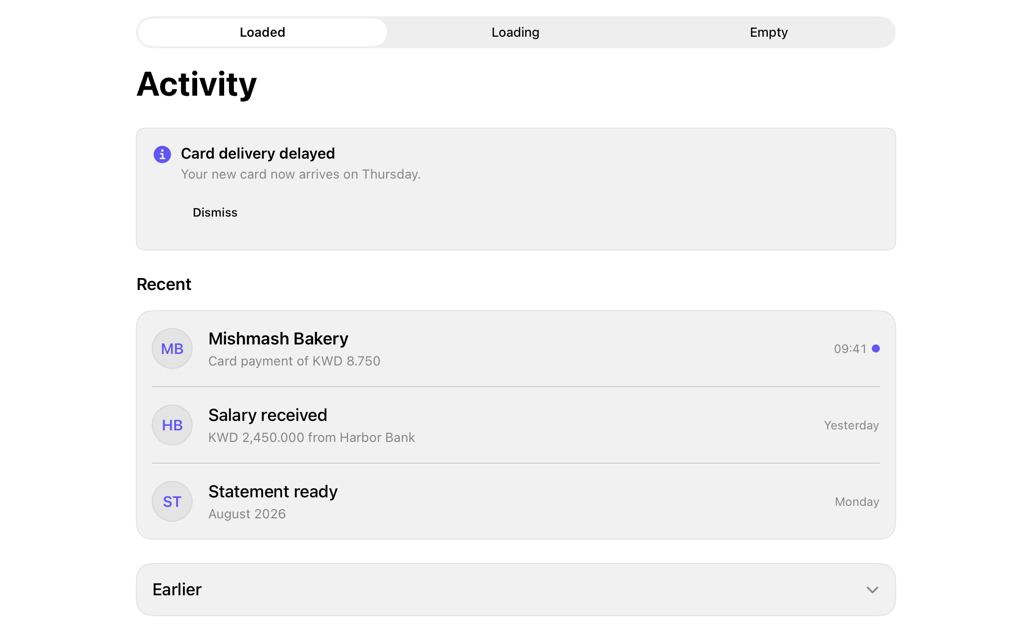
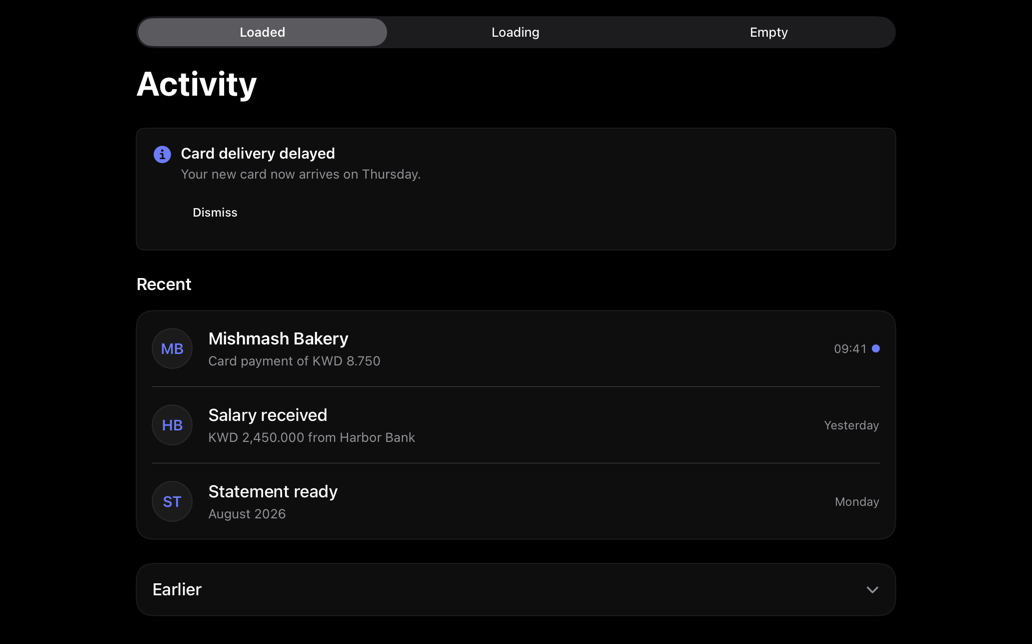
Composes alert, avatar, item, skeleton, empty, accordion; caller-owned loading, items, notice, selection.
activityfeedinboxnotificationstimelineloading
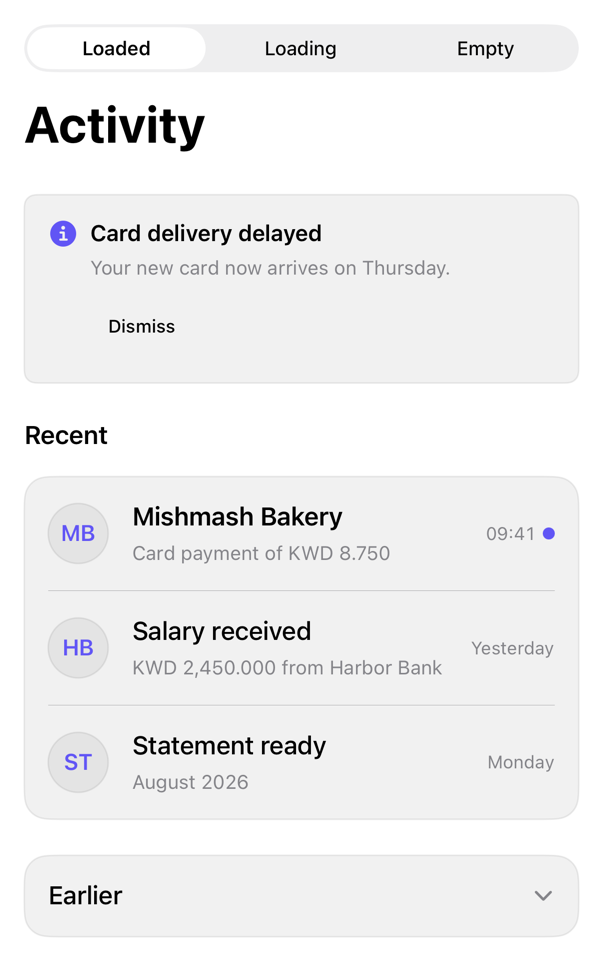
On iPad
The same installed source at a regular width. It adapts its layout without a separate design.
Install
With the sweetui tool (brew install mangobyte-dev/tap/sweetui):
sweetui install activity-feed --destination Sources/YourFeature/ComponentsInstalls in order: button 0.5.2, alert 0.2.1, avatar 0.2.1, separator 0.2.1, badge 0.3.2, item 0.2.2, skeleton 0.2.2, empty 0.1.1, accordion 0.2.2, activity-feed 0.2.2. Point --destination at a folder inside the consuming target's sources.
Usage
ActivityFeed(
    "Activity",
    notice: ActivityNotice("Card delivery delayed", message: Text("Arrives Thursday.")),
    onDismissNotice: { },
    items: [
        ActivityItem(
            id: "bakery",
            title: Text("Mishmash Bakery"),
            detail: Text("Card payment of KWD 8.750"),
            timestamp: Text("09:41"),
            initials: "MB",
            senderName: Text("Mishmash Bakery"),
            isUnread: true
        )
    ],
    earlierItems: [],
    isLoading: false,
    onSelect: { id in }
)
Accessibility contract
- No color-alone feedback. Unread: heavier title, dot, value. Avatar: sender-name. Notice: symbol, color; symbol, dot-decorative.
- Loading: 1 disabled element, label Loading activity, no selection.
- Empty: ContentUnavailableView, caller copy. Earlier: DisclosureGroup, Expanded, Collapsed.
- Rows: Buttons; label sender, title, detail, timestamp, value. Duplicate name spoken twice; Voice-Control: title only.
- Screen, section titles: header trait.