recipe
tooltip
Tooltip: hint, popover.
tooltiphelphinthoverguidance
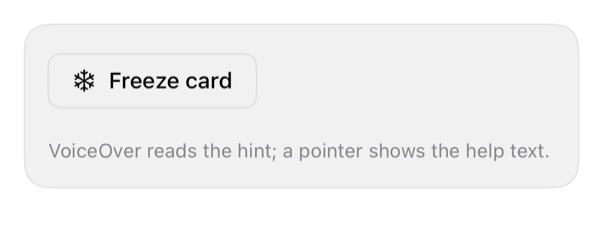
On iPad
The same installed source at a regular width. It adapts its layout without a separate design.


Install
Nothing to install
Copy the snippet below. The native API is the whole treatment.
Usage
Button("Freeze card", systemImage: "snowflake") { }
    .buttonStyle(.registryOutline)
    .accessibilityHint("Blocks new purchases until you unfreeze the card.")
    .help("Blocks new purchases until you unfreeze the card.")
    .registryItem("tooltip")
Why native is enough
No iPhone hover; accessibilityHint (VoiceOver) + .help (pointer/iPad) = tooltip. Sighted-info also needs copy/popover.
Accessibility contract
- Hint after label; help: pointer/iPad/macOS-style hover.
- MUST NOT rely on hover-only info, touch.
Details
| Kind | recipe |
| Version | 0.1.1 |
| Platforms | iOS 26.0+ |
| Dependencies | button |
| Source | none (native guidance) |