block
questionnaire
Composes field, checkbox, textarea, progress, button, card; drives choice, freeform, skippable steps.
questionnairesurveyformmulti-stepshadcn
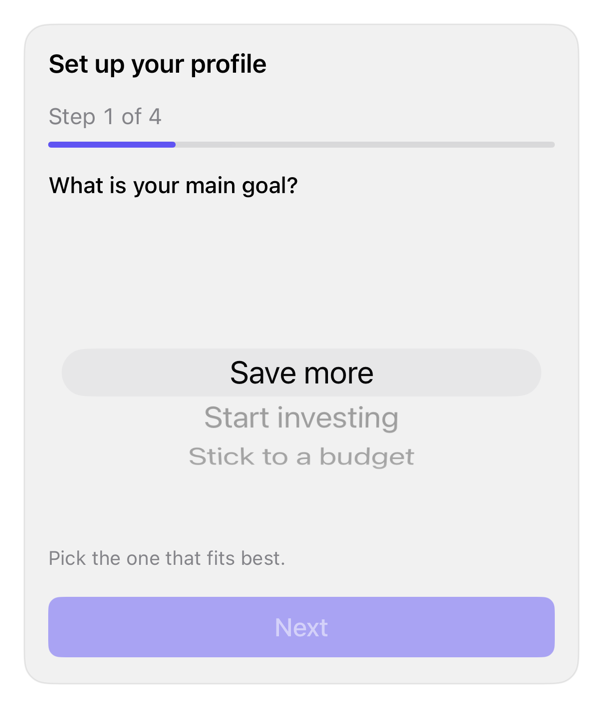
On iPad
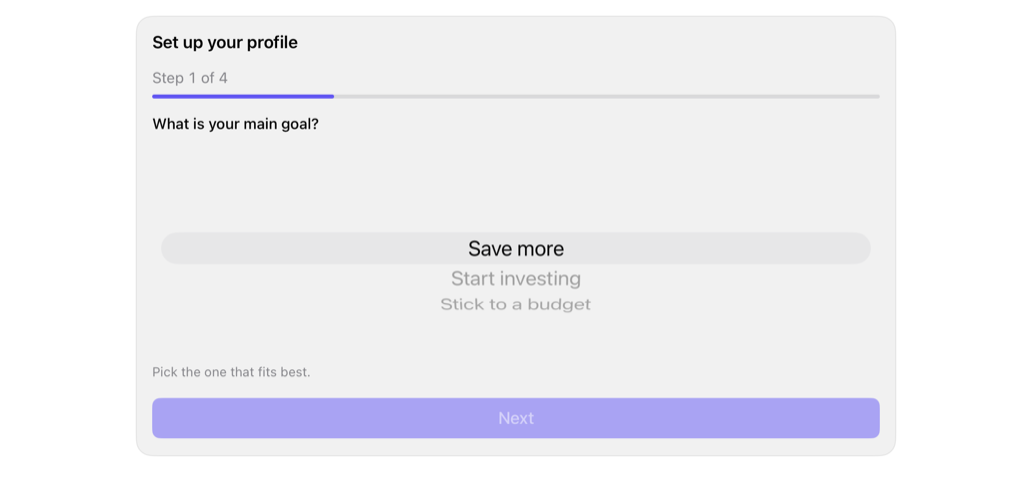
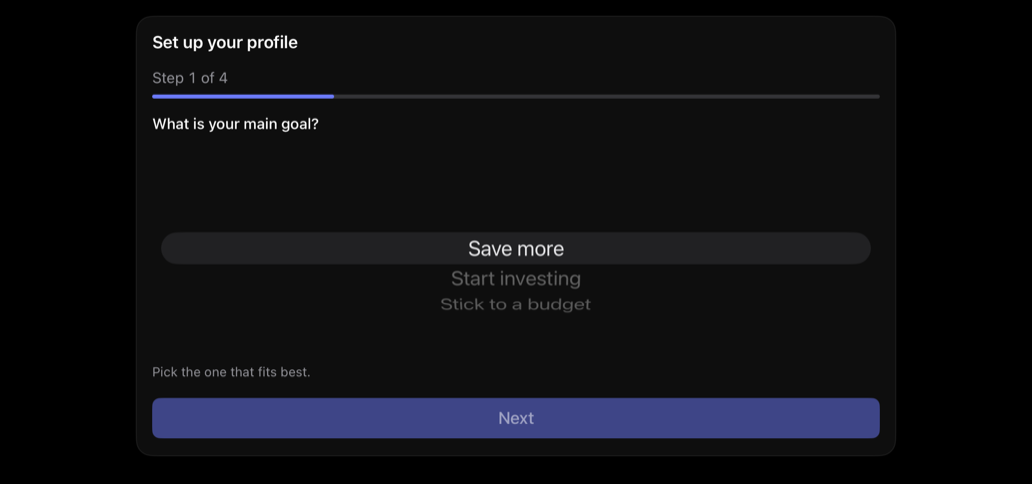
The same installed source at a regular width. It adapts its layout without a separate design.
Install
With the sweetui tool (brew install mangobyte-dev/tap/sweetui):
sweetui install questionnaire --destination Sources/YourFeature/ComponentsInstalls in order: input 0.5.1, field 0.1.2, checkbox 0.3.2, textarea 0.4.1, progress 0.2.1, button 0.5.2, card 0.2.1, questionnaire 0.1.1. Point --destination at a folder inside the consuming target's sources.
Usage
@State private var currentStep = 0
@State private var answers: [String: QuestionnaireAnswer] = [:]

Questionnaire(
    "Set up your profile",
    steps: [
        QuestionnaireStep(
            id: "goal",
            title: "What is your main goal?",
            kind: .singleChoice([
                QuestionnaireOption(id: "save", title: "Save more"),
                QuestionnaireOption(id: "invest", title: "Start investing")
            ])
        )
    ],
    currentStep: $currentStep,
    answers: $answers,
    onFinish: { }
)
Accessibility contract
- Card title: header trait; VoiceOver reaches heading directly.
- Counter: 'Step N of M', monospaced; ProgressView: 'Progress' label, fraction-value.
- Step = Field, label = title. Single: inline-Picker, native rows. Multiple: checkbox Toggles per option. Freeform: TextEditor, label = prompt.
- Step change posts AccessibilityNotification.Announcement of new title; VoiceOver states landing.
- Back/Skip/Next-or-Finish: explicit-label. Next disabled until answered (unless skippable). Row reflows via ViewThatFits, no truncation.