component
attachment
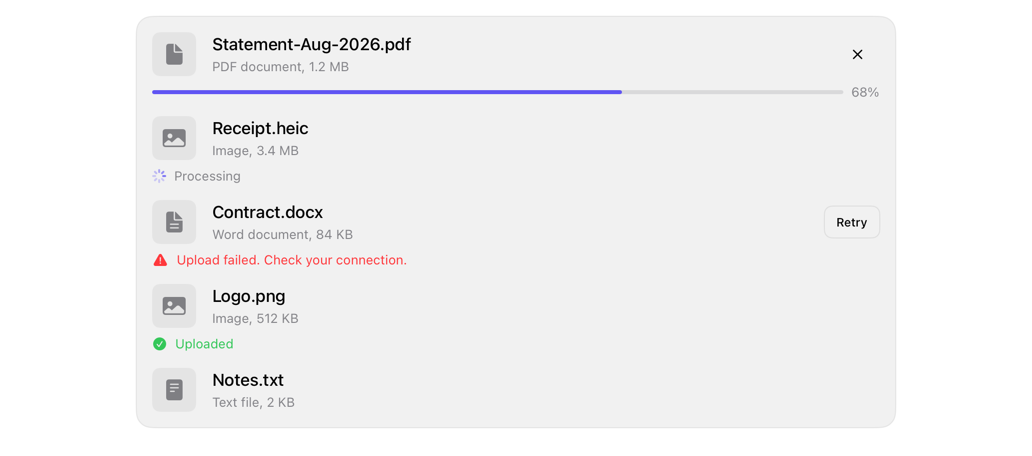
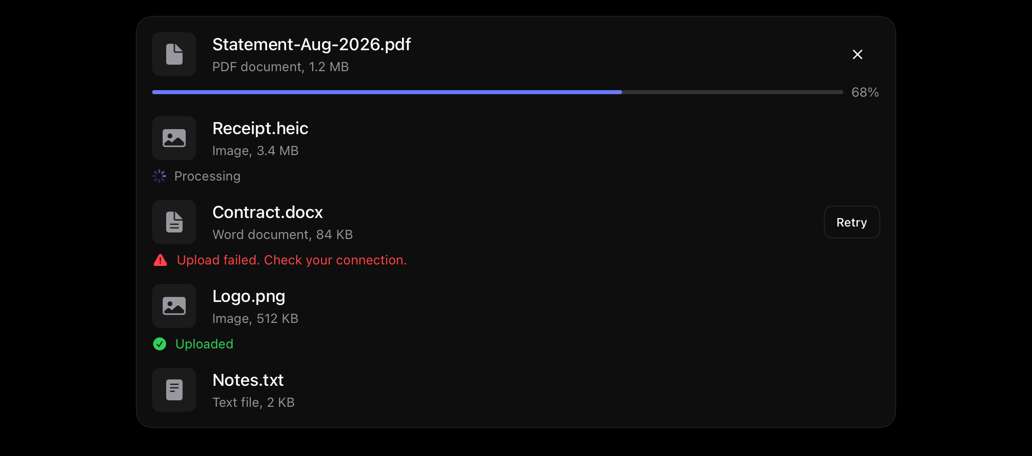
Row: square media, name, detail, caller actions. States: idle, uploading, processing, failed, completed.
attachmentfileuploadrowmediashadcn
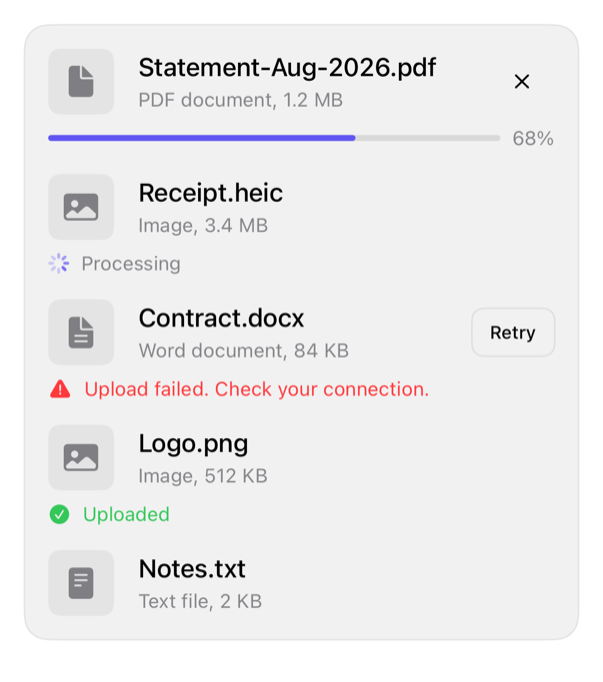
On iPad
The same installed source at a regular width. It adapts its layout without a separate design.
Install
With the sweetui tool (brew install mangobyte-dev/tap/sweetui):
sweetui install attachment --destination Sources/YourFeature/ComponentsInstalls in order: avatar 0.2.1, separator 0.2.1, badge 0.3.2, item 0.2.2, progress 0.2.1, button 0.5.2, attachment 0.1.2. Point --destination at a folder inside the consuming target's sources.
Usage
AttachmentRow(
    name: Text("Statement-Aug-2026.pdf"),
    detail: Text("PDF document, 1.2 MB"),
    state: .uploading(progress: 0.68)
) {
    Image(systemName: "doc.fill")
} actions: {
    Button("Cancel", systemImage: "xmark") {}
        .labelStyle(.iconOnly)
        .buttonStyle(.registryGhost)
        .accessibilityLabel("Cancel upload")
}

// A completed attachment with a thumbnail and no actions: the bare trailing closure is the thumbnail.
AttachmentRow(
    name: Text("Receipt.jpg"),
    detail: Text("Image, 240 KB"),
    state: .completed
) {
    Image(systemName: "photo")
}
Accessibility contract
- State text: percent, Processing, failure, Uploaded; MUST NOT rely on color/bar.
- VoiceOver skips percent; bar reports it.
- ItemRow: name+detail one element; actions separate, activatable.
- Failed/completed: color, symbol, word; not hue-only.
- Icon buttons, thumbnail MUST label, not text-derived.
Details
| Kind | component |
| Version | 0.1.2 |
| Platforms | iOS 26.0+ |
| Dependencies | item, progress, button, separator |
| Source | Registry/sources/components/AttachmentRow.swift |
| Xcode preview | Attachment Row |