block
command-search
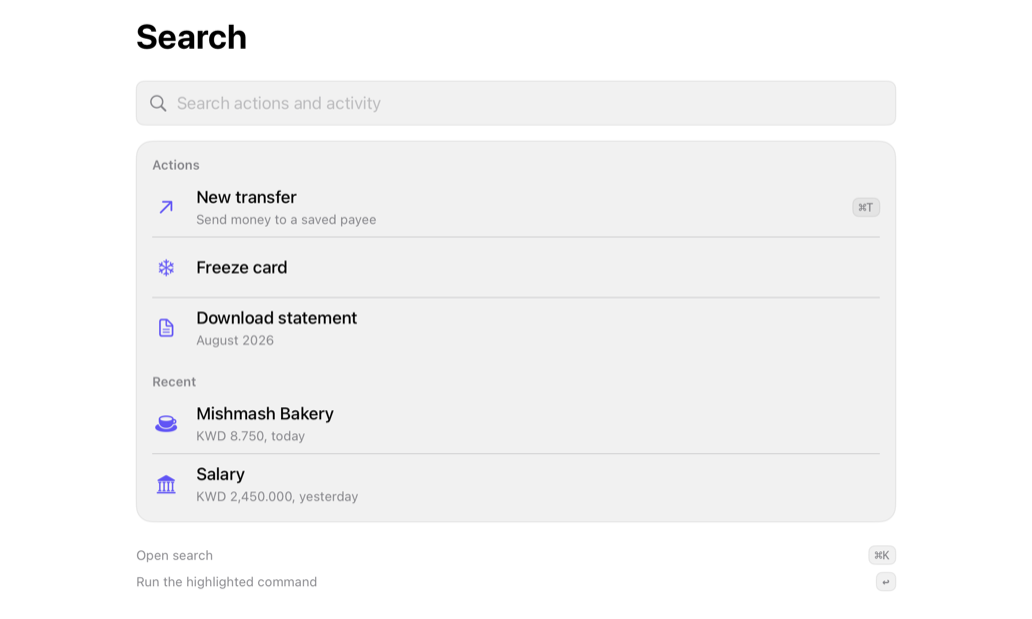
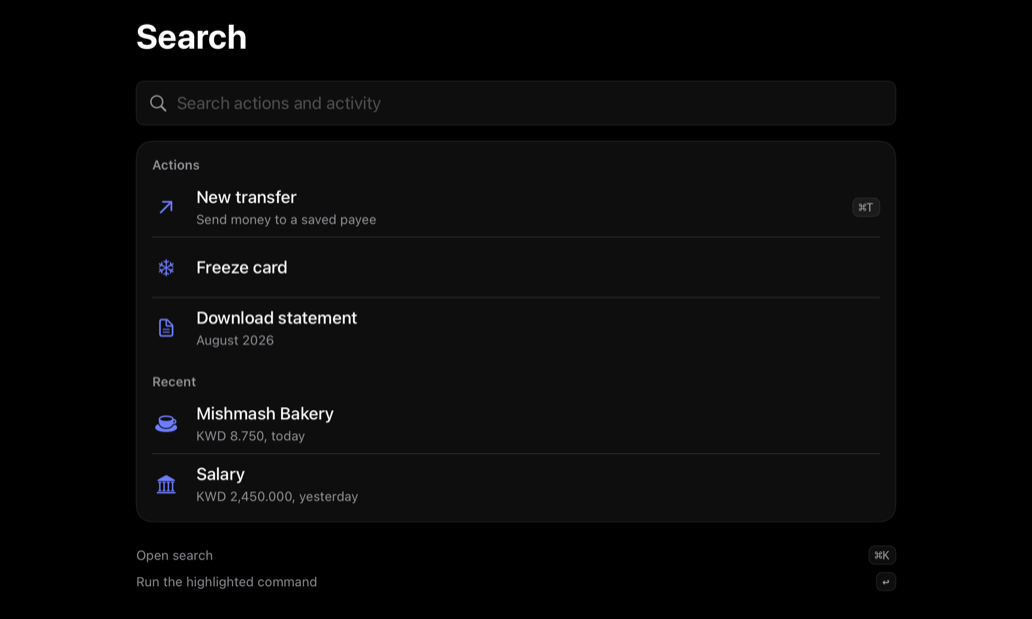
Composes command, keycap; caller owns query, filtering, sections, legend.
searchcommandpaletteshortcutsscreen
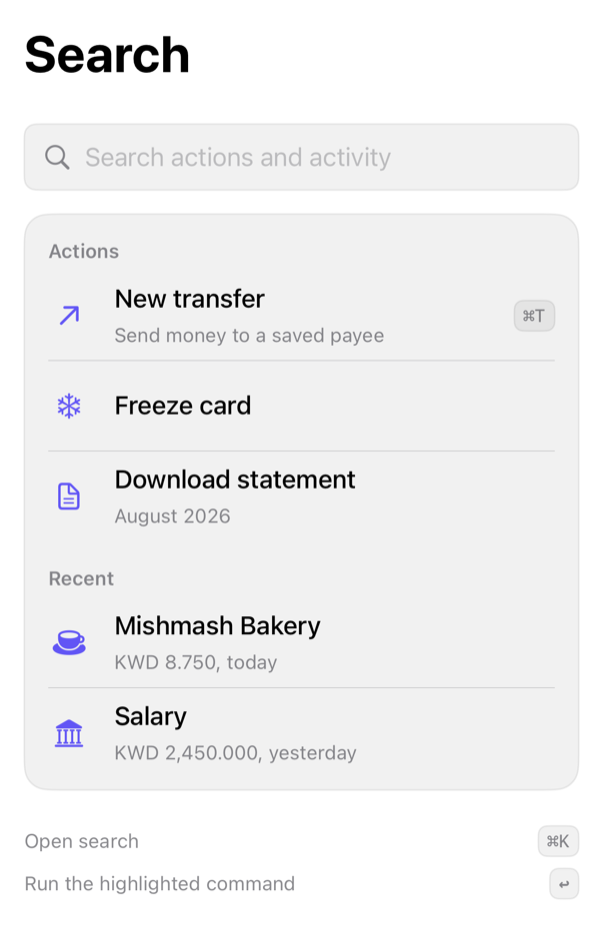
On iPad
The same installed source at a regular width. It adapts its layout without a separate design.
Install
With the sweetui tool (brew install mangobyte-dev/tap/sweetui):
sweetui install command-search --destination Sources/YourFeature/ComponentsInstalls in order: button 0.5.2, input-group 0.2.1, avatar 0.2.1, separator 0.2.1, badge 0.3.2, item 0.2.2, kbd 0.1.2, empty 0.1.1, command 0.2.1, command-search 0.2.1. Point --destination at a folder inside the consuming target's sources.
Usage
@State private var query = ""

CommandSearch(
    "Search",
    query: $query,
    prompt: "Search actions and activity",
    sections: sections,
    emptyDescription: Text("Try a payee, a card, or an action."),
    shortcuts: [
        CommandShortcutHint("Open search", keys: "⌘K", keysLabel: Text("Command K"))
    ],
    onSelect: { id in }
)
Accessibility contract
- Field: prompt. Commands: Buttons, combined-label. Titles headers.
- No results: ContentUnavailableView, copy, never blank.
- Legend: action-shortcut merge; keycaps hidden unless labeled.
- Selection/filtering/query caller-owned; no self-trigger.
Details
| Kind | block |
| Version | 0.2.1 |
| Platforms | iOS 26.0+ |
| Dependencies | command, kbd |
| Source | Registry/sources/blocks/CommandSearch.swift |
| Xcode preview | Command Search |