recipe
scroll-area
Scrollable content: margins, indicators, clipping.
scrollscroll-viewmarginsindicatorsguidance
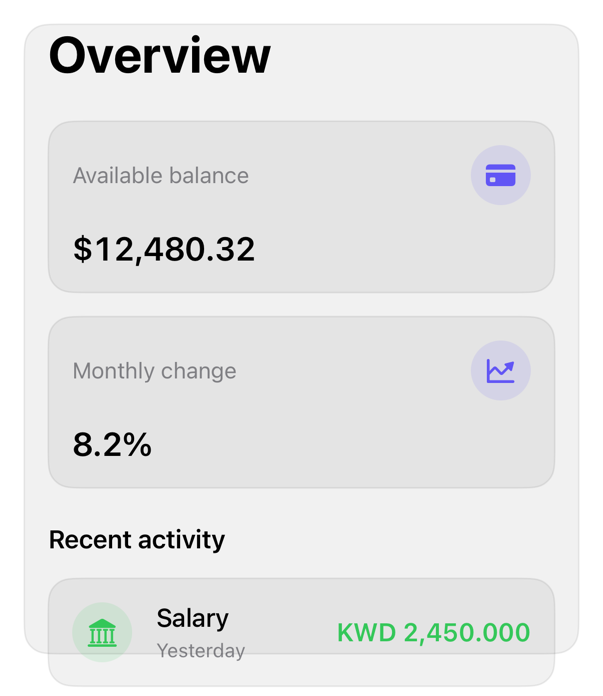
On iPad
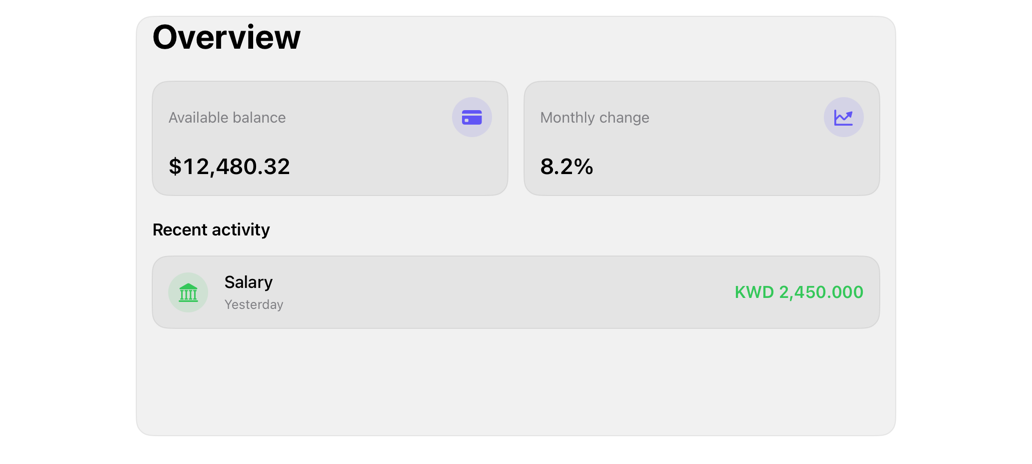
The same installed source at a regular width. It adapts its layout without a separate design.
Install
Nothing to install
Copy the snippet below. The native API is the whole treatment.
Usage
ScrollView {
    FinanceOverview(
        "Overview",
        balanceTitle: "Available balance",
        balance: Text(12_480.32, format: .currency(code: "USD")),
        changeTitle: "Monthly change",
        change: Text(0.082, format: .percent),
        sectionTitle: "Recent activity",
        transactions: rows,
        onSelect: { id in }
    )
}
.contentMargins(.horizontal, 16, for: .scrollContent)
.scrollIndicators(.hidden)
.scrollClipDisabled()
.scrollEdgeEffectStyle(.soft, for: .top)
.registryItem("scroll-area")
Why native is enough
ScrollView + .contentMargins, .scrollIndicators, .scrollClipDisabled; scrolling/bounce/keyboard system-owned, not blocks. .scrollEdgeEffectStyle: content-to-glass transition, replaces background (HIG Layout).
Accessibility contract
- Native scroll: VoiceOver page-scroll, three-finger gesture.
- Hidden indicators remove sighted affordance; prefer .automatic for long content.
Details
| Kind | recipe |
| Version | 0.2.1 |
| Platforms | iOS 26.0+ |
| Dependencies | finance-overview |
| Source | none (native guidance) |