recipe
sheet
Side sheet: iPad inspector, iPhone sheet.
sheetinspectorside-sheetdetail-panelguidance
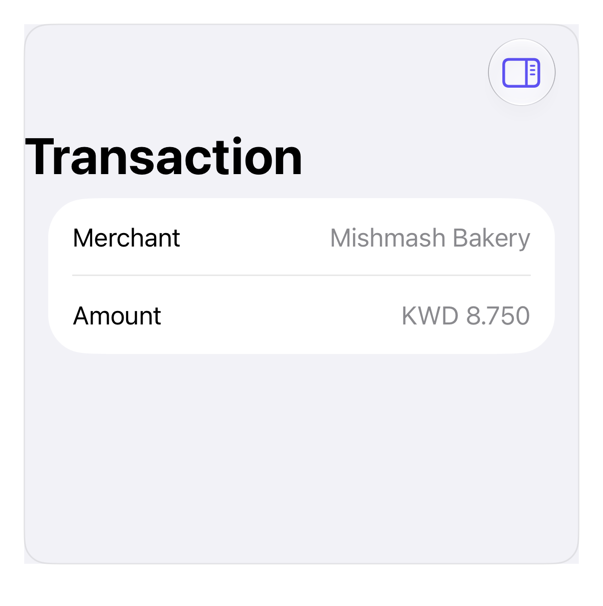
On iPad
The same installed source at a regular width. It adapts its layout without a separate design.
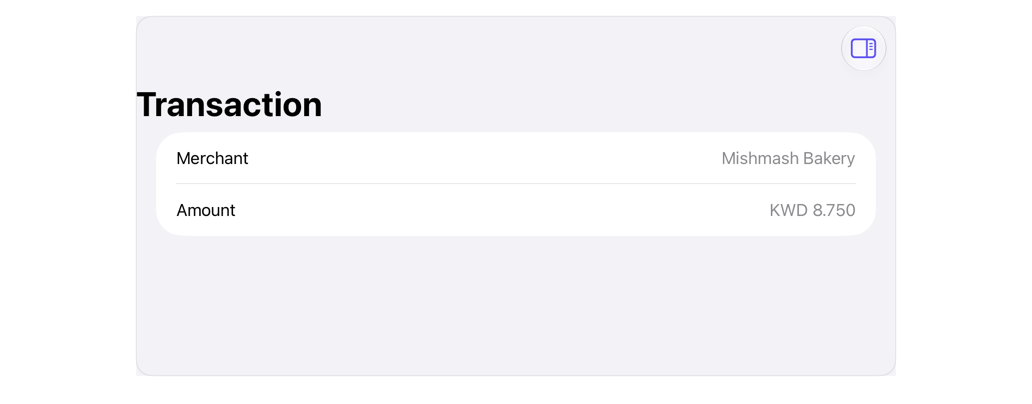
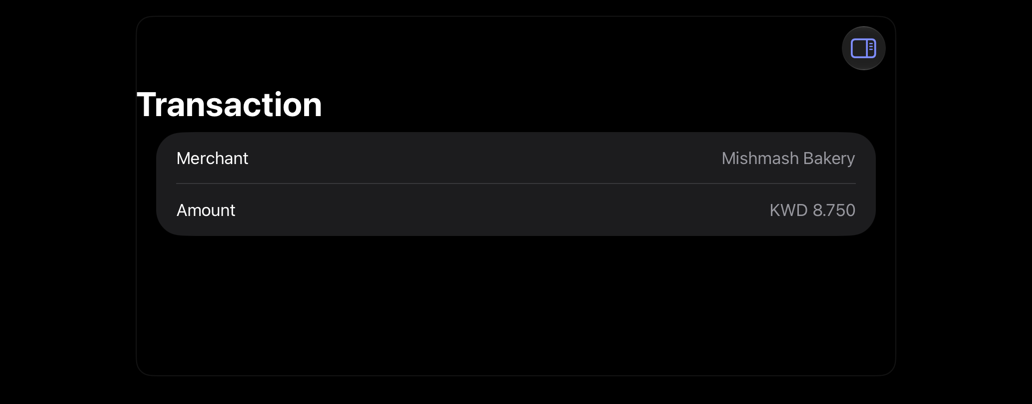
Install
Nothing to install
Copy the snippet below. The native API is the whole treatment.
Usage
@State private var isShowingDetails = false

NavigationStack {
    List {
        LabeledContent("Merchant", value: "Mishmash Bakery")
        LabeledContent("Amount", value: "KWD 8.750")
    }
    .navigationTitle("Transaction")
    .toolbar {
        ToolbarItem(placement: .topBarTrailing) {
            Button("Details", systemImage: "sidebar.trailing") {
                isShowingDetails.toggle()
            }
            .accessibilityLabel("Toggle details")
        }
    }
    .inspector(isPresented: $isShowingDetails) {
        List {
            LabeledContent("Category", value: "Dining")
            LabeledContent("Card", value: "Visa 4321")
            LabeledContent("Status", value: "Cleared")
        }
        .inspectorColumnWidth(min: 240, ideal: 280, max: 360)
    }
}
.registryItem("sheet")
Why native is enough
.inspector: trailing column iPadOS, sheet iPhone; sized via .inspectorColumnWidth. dialog/drawer cover plain sheet. iOS 27: tab-attached inspector stopped text-field focus. Attach above stack, or use .sheet in text-field tabs.
Accessibility contract
- Inspector toggle: labeled button; panel: VoiceOver-reachable.
- iPhone: inspector adapts to sheet, system dismiss.
Details
| Kind | recipe |
| Version | 0.1.1 |
| Platforms | iOS 26.0+ |
| Dependencies | none |
| Source | none (native guidance) |