recipe
fold-arrangement
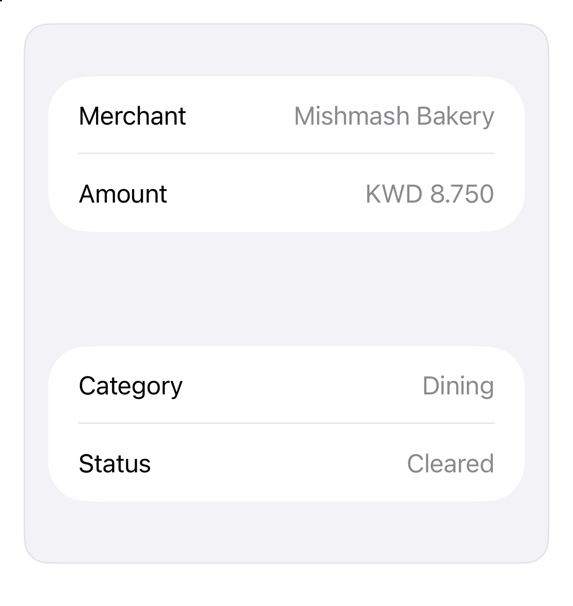
Two panes around the iPhone Duo fold: native ArrangementView.
Install
Usage
ArrangementView {
    List {
        LabeledContent("Merchant", value: "Mishmash Bakery")
        LabeledContent("Amount", value: "KWD 8.750")
    }
} secondary: {
    List {
        LabeledContent("Category", value: "Dining")
        LabeledContent("Status", value: "Cleared")
    }
}
.arrangementViewStyle(.split)
.registryItem("fold-arrangement")
Why native is enough
ArrangementView (iOS 27.1): two panes that always show. .split puts them side by side or stacked by container shape and keeps both out of an active fold; .split.axes(.horizontal) shows only the primary pane in a vertical layout; .overlay layers the primary over the secondary until the device half opens. Do not nest it in a List, ScrollView, or NavigationSplitView (Apple). Measured on the iPhone Duo simulator, iOS 27.1: flat open, .split halves the container and ignores the inactive fold; an empty secondary still keeps its pane. For a companion that opens and closes, install fold-companion. A custom layout reads GeometryProxy.reservedRegions(kind: .division, options: .includeInactive); the region's frame includes its margins. The hinge angle (onHingeChange) drives effects only, never layout. A toolbar item joins the vertical bar only with a title and a symbol (Button("Details", systemImage:)).
Accessibility contract
- Both panes stay in reading order: primary, then secondary.
- System places panes; Dynamic Type and right to left follow the content.
Details
| Kind | recipe |
| Version | 0.1.0 |
| Platforms | iOS 27.1+ |
| Dependencies | none |
| Source | none (native guidance) |